 QuickCutFOR MAC
QuickCut — Video trimmer for Mac
Just cutting a video? You don’t need a full-blown editor.
Open, cut, and save. Nothing gets re-encoded.

MP4 / MOV / MKV — including OBS recordings
macOS 14+
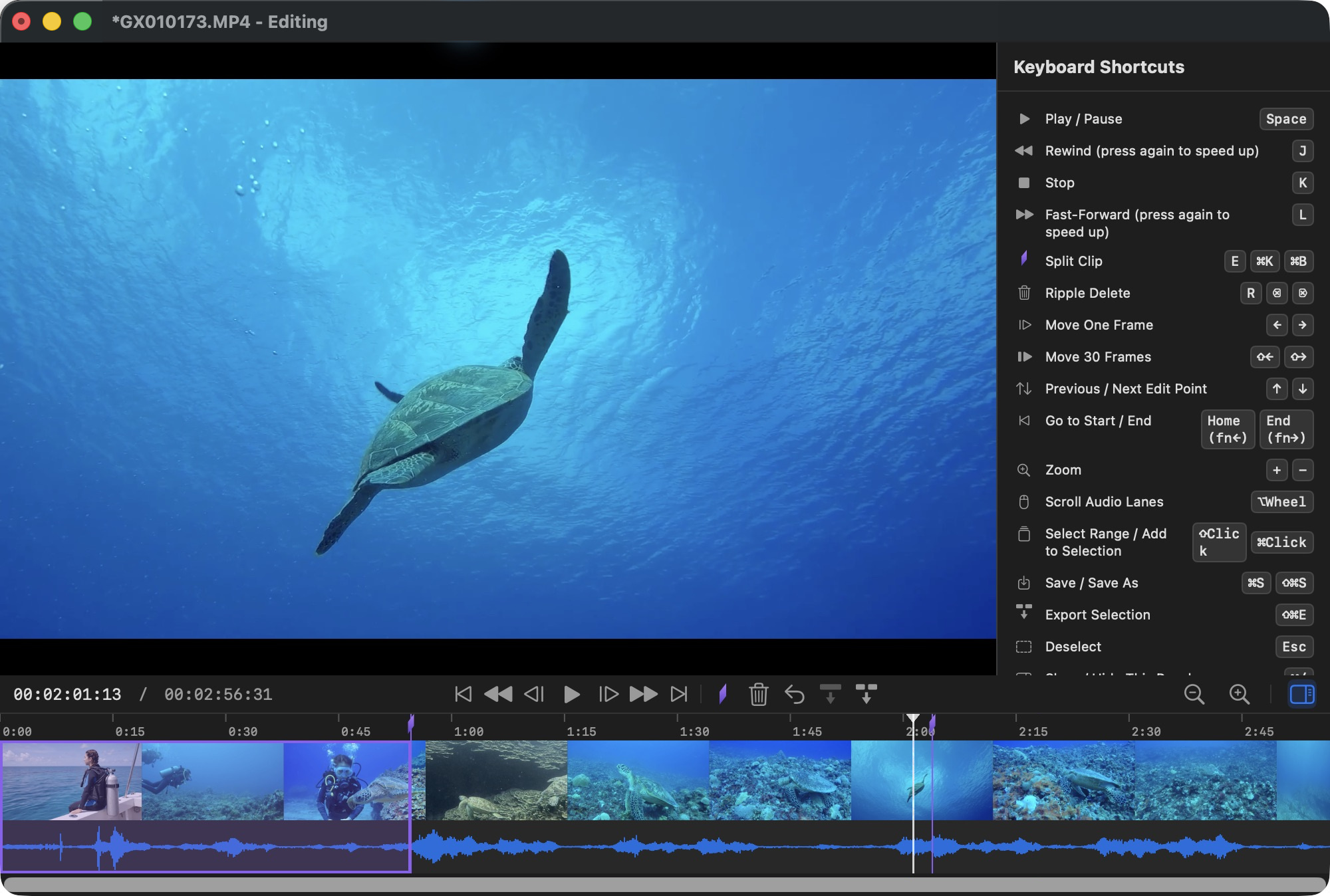
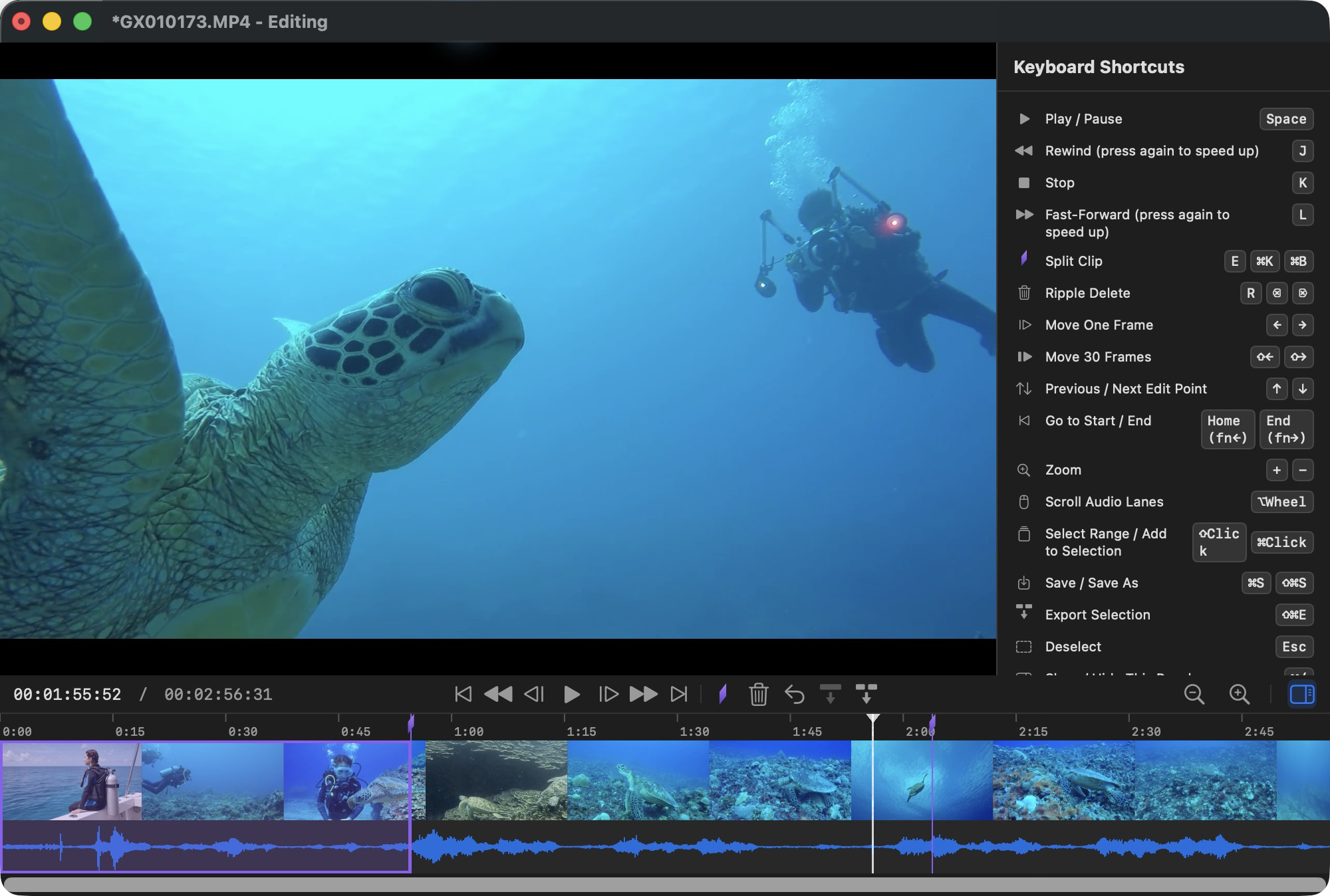
Open an OBS MKV recording in QuickCut and use the waveform and thumbnails to find a scene. Add edit points, select the sections you want to keep and export them as MP4. Trim a stream archive or prepare a rough cut before importing it into your editor.
Supports recordings with H.264/HEVC video and AAC audio. MKV originals cannot be overwritten. VP9 is not supported; AV1 depends on your Mac's decoder. Unsupported audio tracks and subtitles are listed before import so you can review what will be excluded.
Use every feature free for your first 20 exports. When you need more, a one-time in-app purchase of “QuickCut Unlimited” unlocks unlimited exports. No subscription.
QuickCut for Mac